
iPhone 离线 CADOFFLINE CAD FOR IPHONE
随手改图,
现场交付。
Edit in the field.
Share on the spot.
在 iPhone 上打开 DWG 或 DXF,点选图元、输入精确坐标,把修改另存成同格式副本。整套操作在设备上完成。
Open a DWG or DXF on your iPhone, select an entity, and edit with precise values. Save a native copy directly on the device.
01 / WORKFLOW
打开、修改、交付。
Open. Edit. Deliver.
从收到图纸到分享副本,三步走完。
Three steps from receiving a drawing to sharing an edited copy.
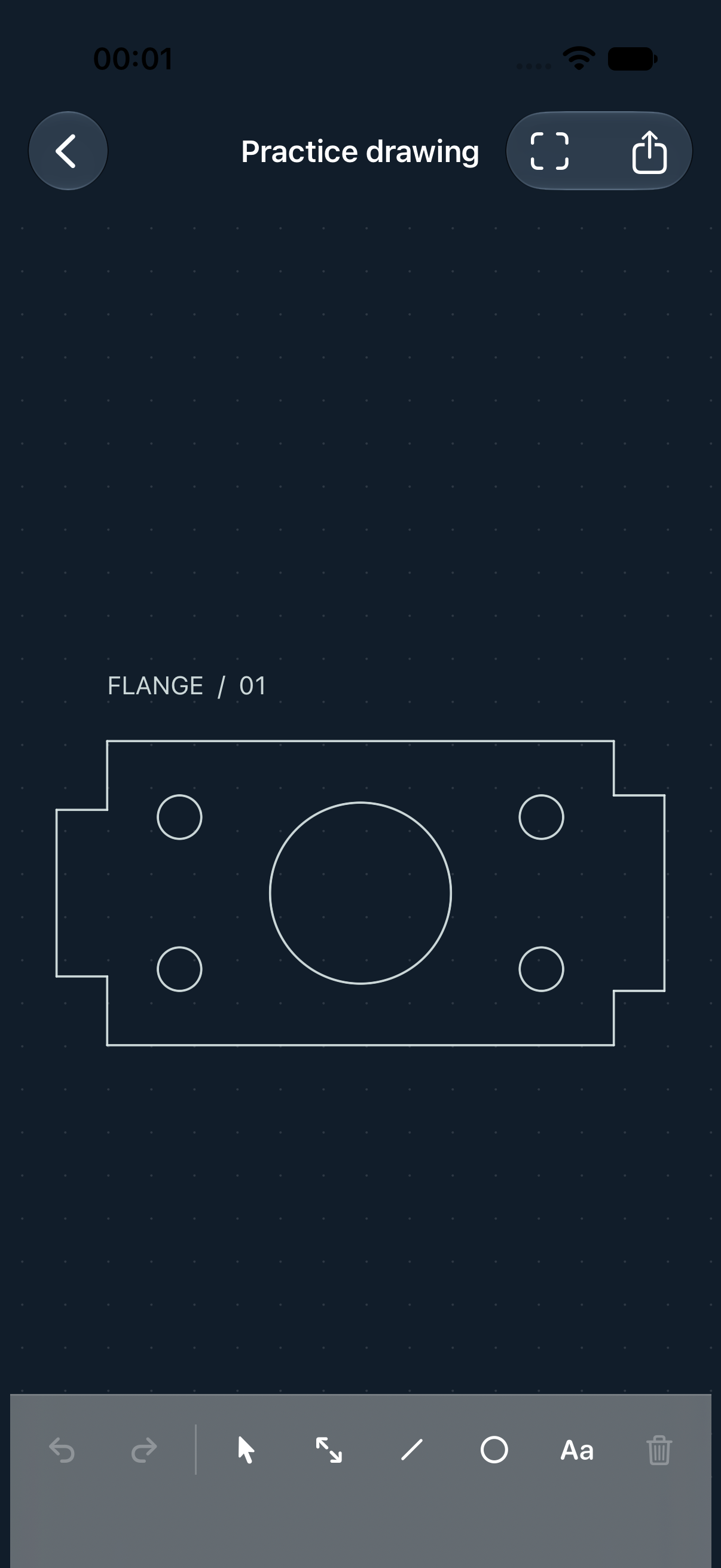
FLANGE_01.DWG示意演示ILLUSTRATIVE DEMO
02 / FILE FORMATS
图纸跟你走。
Drawings that travel.
面向常见二维图纸和现场小改动。处理过程在 iPhone 本地完成。
Designed for common 2D drawings and quick edits. Your iPhone handles the processing locally.
- DWG
- 打开、修改、原格式另存
- Open, edit, save a native copy
- DXF
- 支持文本和二进制 DXF
- ASCII and binary DXF
- PDF / PNG
- 导出可见的二维图纸内容
- Export the visible 2D drawing
首版聚焦二维模型空间,文件上限 64 MiB。复杂对象的预览和保存能力取决于图纸内容。The first version focuses on 2D model space and files up to 64 MiB. Preview and save support for complex objects depends on the drawing.
LINEWORK / SUPPORT